A printer asks for your logo. A colleague needs it for a presentation. Your website designer wants a version for a dark background. Each request starts with the same identity, but the most useful file may be different.
Before choosing an attachment, check where the logo will appear, how large it needs to be and what the recipient can use. The file extension is only part of the answer. The correct approved logo version matters too.
Ask the recipient for their artwork requirements. A signwriter may need production-ready vector artwork. A presentation template may be set up for a transparent PNG. Your website may support SVG, or require a different image format for a particular component.
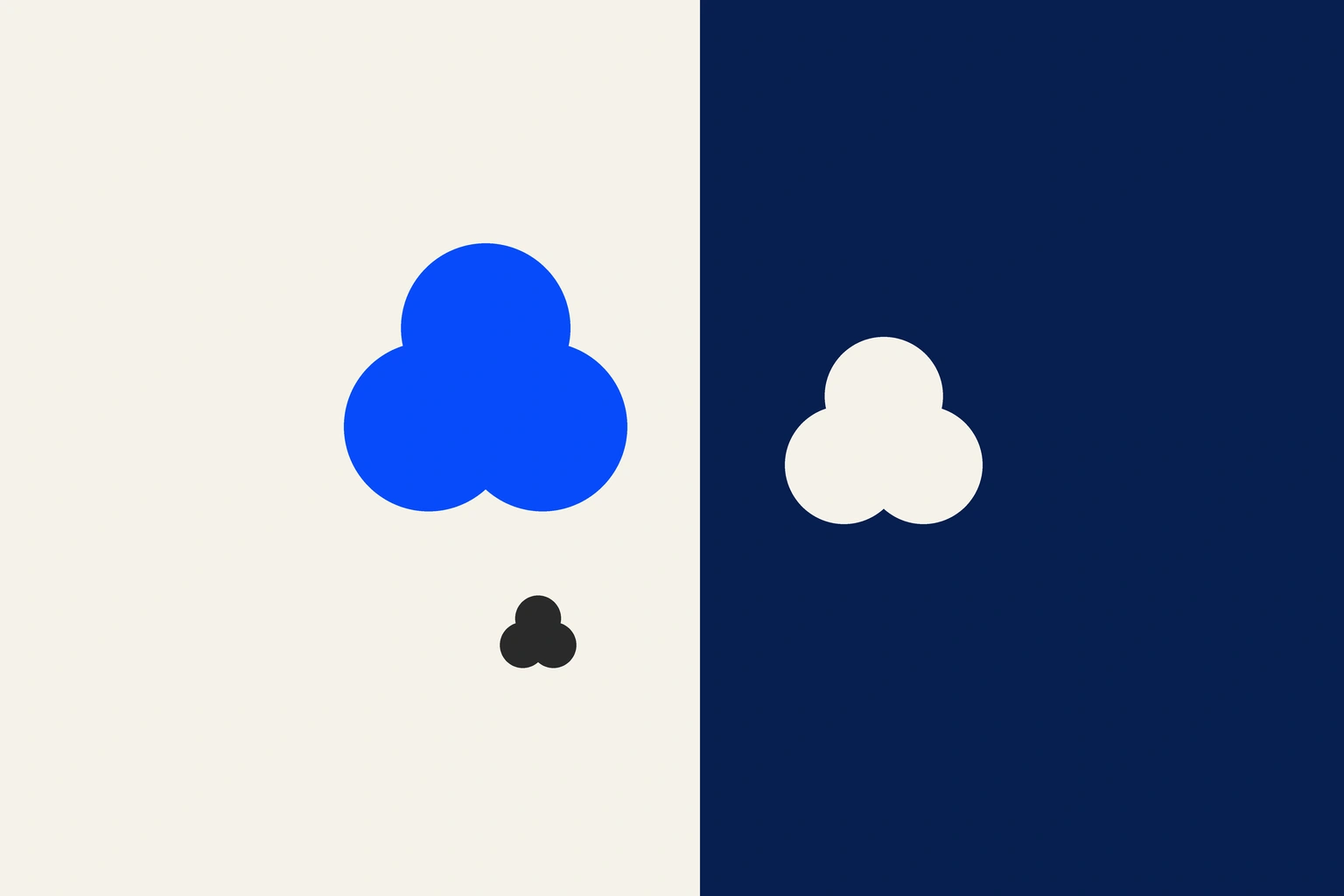
Send the current approved version from your brand files. If there are several variations, check which is intended for the available space and background. A horizontal logo, stacked logo and small symbol may serve different roles in your identity.
SVG is a vector format commonly used for web graphics. Vector shapes can scale without the pixelation associated with enlarging a small raster image. Whether SVG is appropriate still depends on the application receiving it.
A PNG can have a transparent background, which can make it useful when placing a logo into a slide or document. Check its pixel dimensions against the intended display size, and preview it at the size people will actually see. Transparency does not mean that a small image can be enlarged indefinitely.
JPEG does not support a transparent background. If your logo appears inside an unwanted white rectangle, ask for an appropriate transparent version rather than trying to hide the rectangle with a close colour match.
Ask for the required file format and production settings before exporting anything. A supplier may request a vector PDF, EPS or another artwork format suited to its workflow.
The extension alone cannot tell you that a file is ready for production. A PDF containing a small placed image still needs checking. The artwork, dimensions, colours and any other supplier requirements need to be suitable for the job.
If you are unsure which supplied file meets the request, send the specification to your designer. This is particularly helpful when the logo will be used on a new material or at an unfamiliar scale.
A white logo may seem to disappear when viewed on a white background. A dark logo may lose definition on a dark photograph. Before assuming the file is broken, check it in the setting where it will be used.
Use the approved variation for that background. Avoid recolouring the logo or adding an outline simply to make it visible. Your brand guidelines should help you decide how the identity is intended to appear, including minimum size and the clear space around it.
Look for the original approved files or ask the person who created the identity. A screenshot can help identify the logo you mean, but it may not contain the detail needed for the finished artwork.
Renaming a file from .jpg to .svg does not rebuild the logo as vector shapes. If the original artwork cannot be found, ask your designer to assess what is available before promising a supplier that it is usable.
Before attaching a file, confirm:
Keep the master files in a clearly labelled location so the next person starts with the same approved identity.
Good everyday use helps the design stay consistent across your business. If your team is working with confusing or inconsistent versions, discuss your branding with Seamer Design’s Melbourne and Ballarat team.